
WellPD
Quick Reference Guide

Get started
Download the WellPD app
Search for WellPD by Empatica in the App Store or Google Play, or tap your store below to download it.

Compatible phones: iPhone with iOS 17 or later, Android smartphones with Android 13 or later. Check if your phone is compatible here.
Open the app
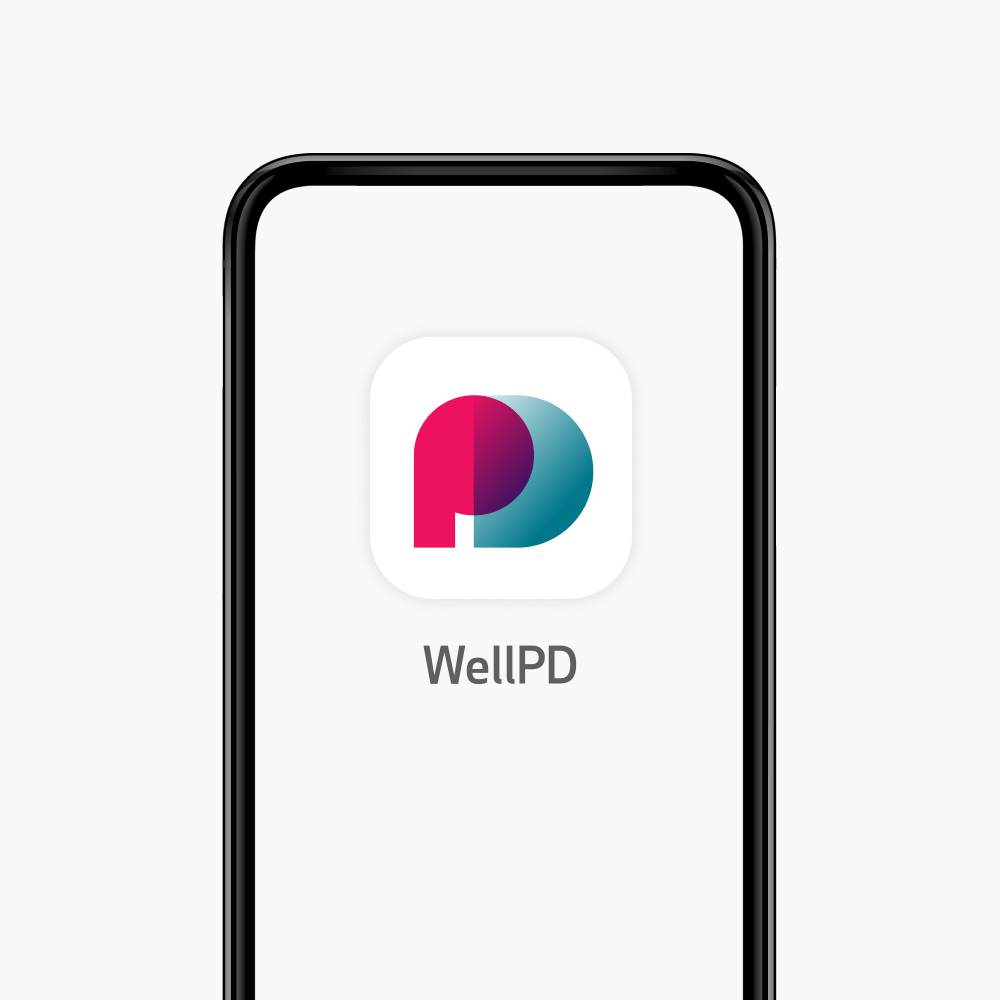
Once downloaded, tap the WellPD by Empatica icon on your phone's home screen to open the app.
Login and pair your device
Select your date of birth
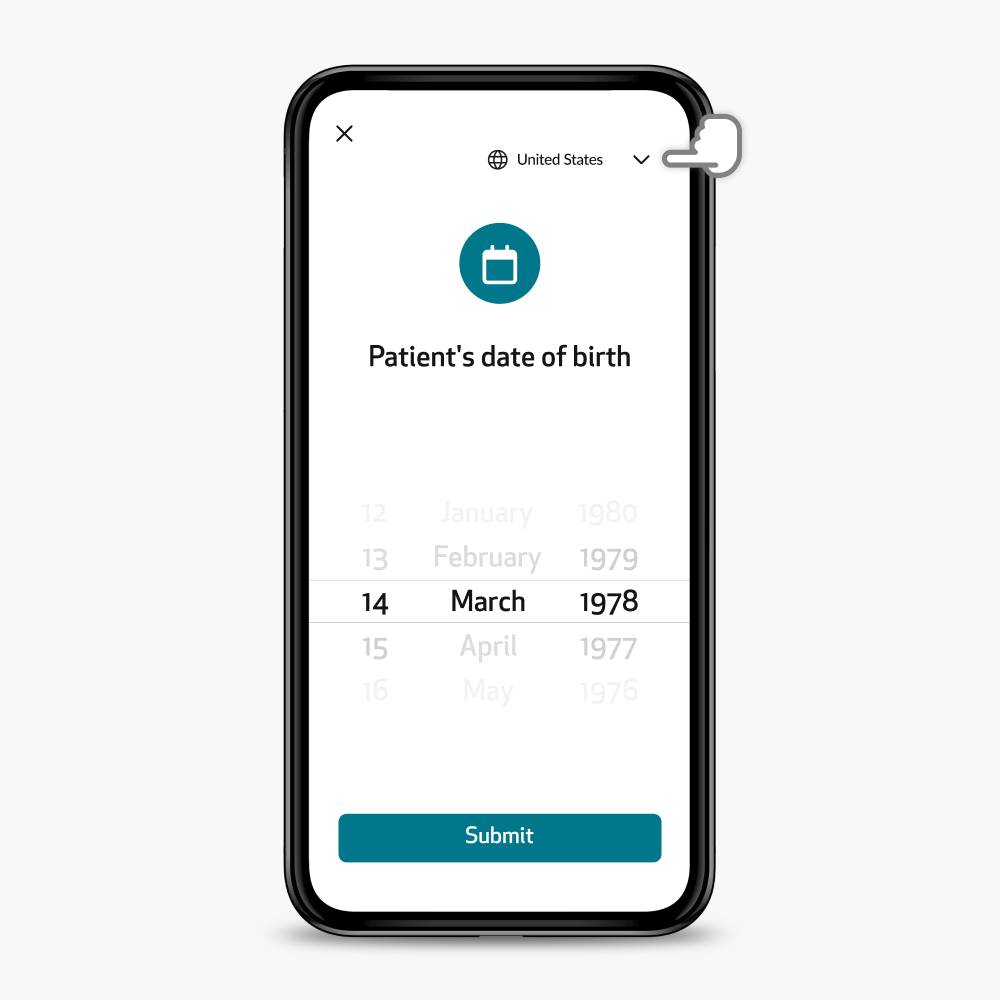
- Check your region first. At the top of the login screen, make sure the region where you registered is selected.
- Enter your date of birth. No username or password is needed.
- Tap Submit to continue.
Turn on the device
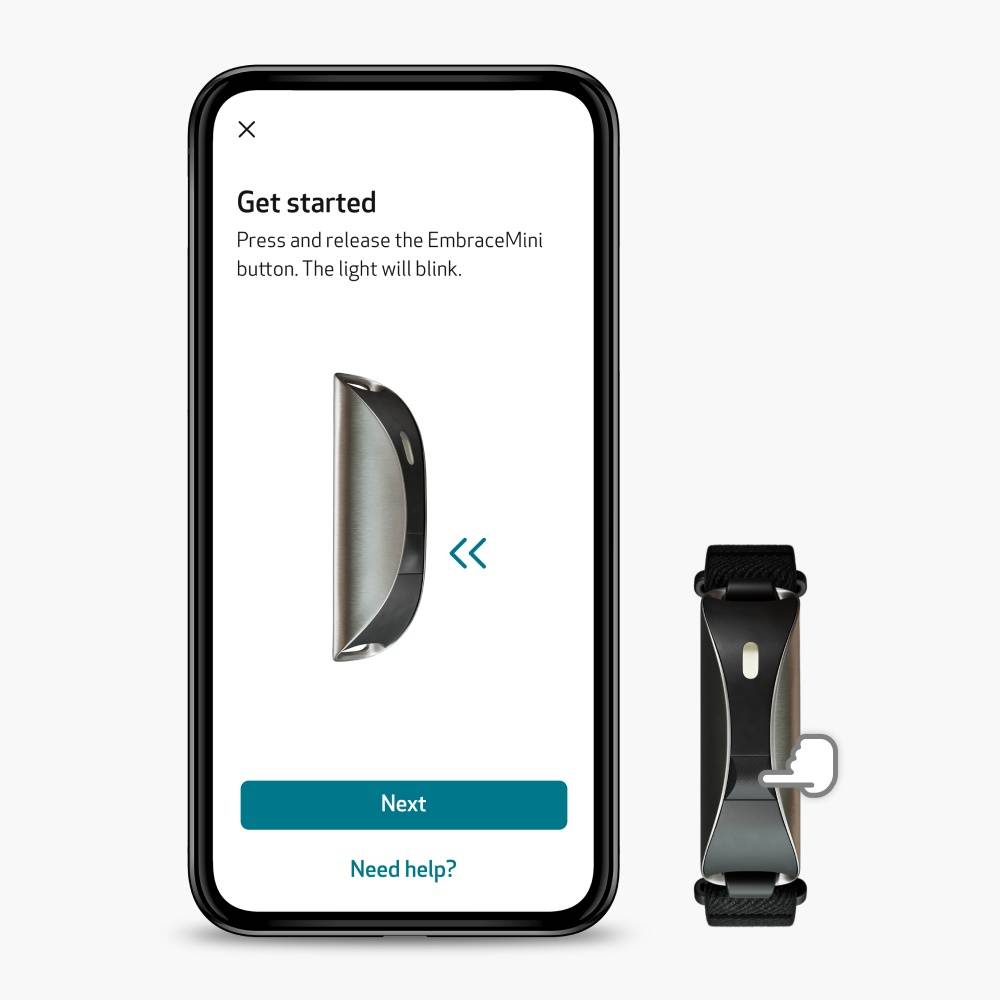
- Turn on the device. Bring it close to your phone. Press and release the slightly raised button just below the LED. A white light will appear.
- Wait for the blue light. After a few seconds the light will turn blue and blink, signaling that the device is ready to pair
- Allow Bluetooth. When your phone asks, tap OK so the app can search for your device.
Select your device
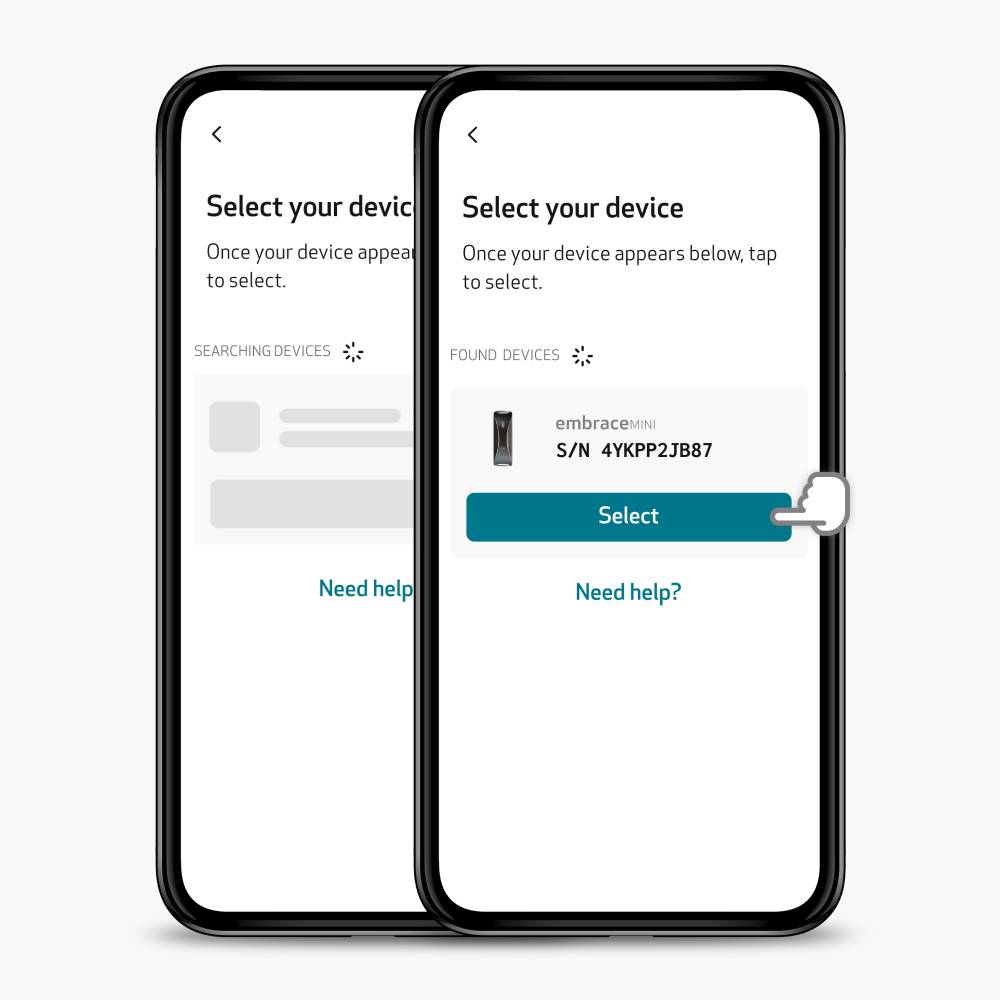
- Select your device. Tap on your device when it appears, then press Select. If a Not Authorized message appears, go back to the login screen, make sure the region where you registered is selected and log in again.
- Confirm pairing. Press and release the device button again, then tap Pair on the popup on your phone.
Turn on notifications
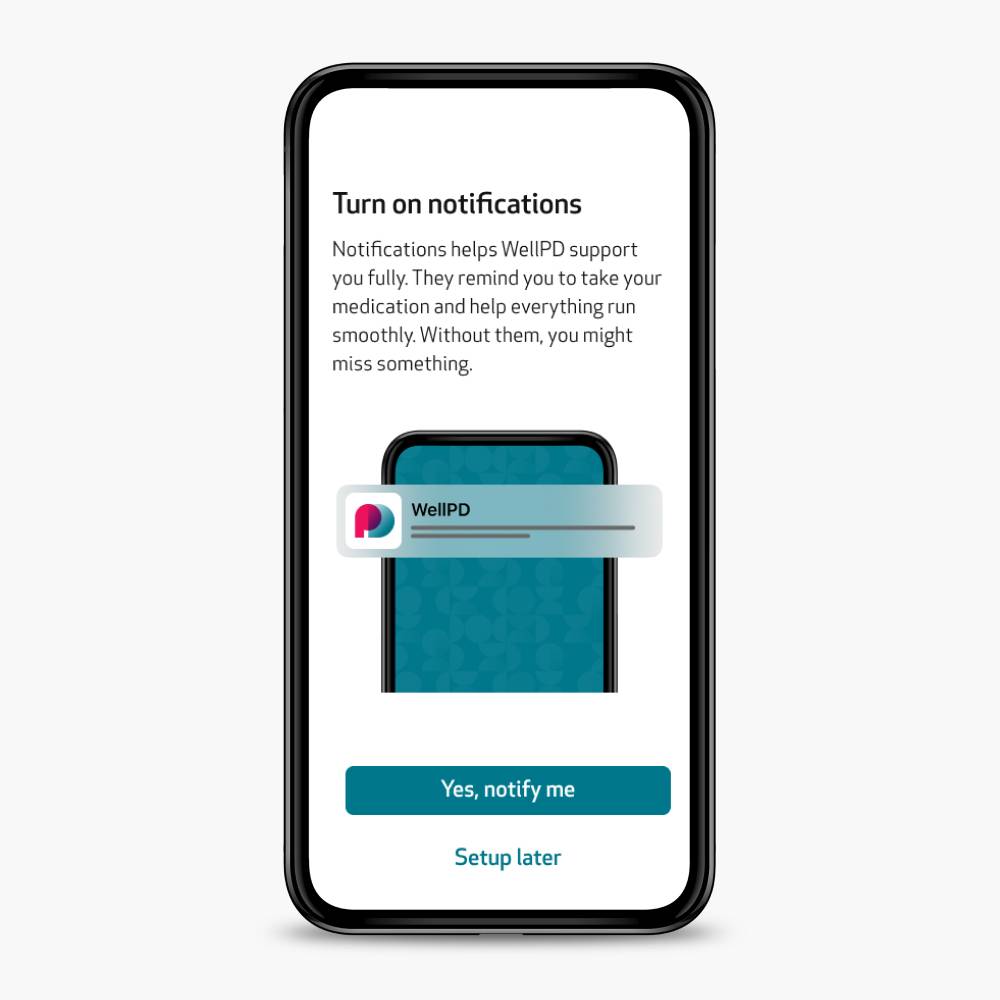
When setup is complete, you’ll be asked whether to allow notifications. Select Allow to ensure you receive important updates from the app. You can turn them on or off anytime in Settings.
Follow the quick tips
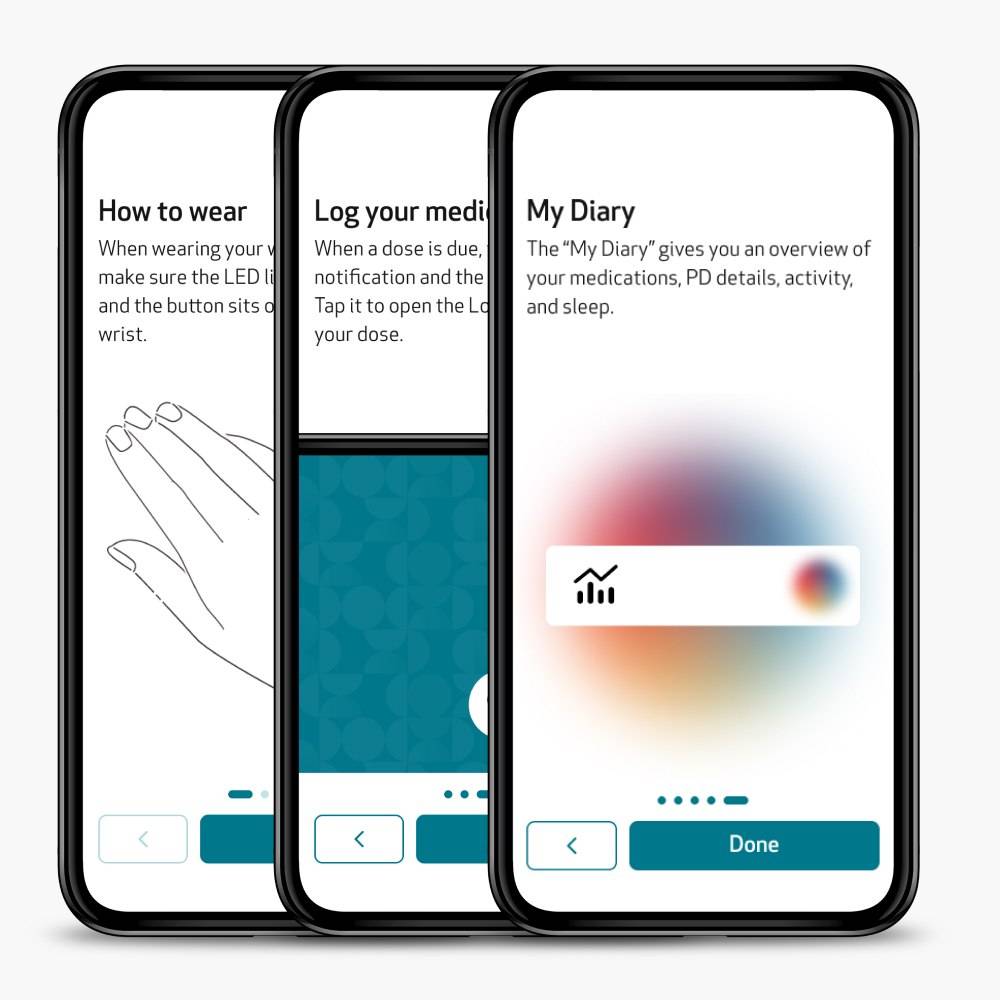
- Follow the quick tips. The app will then guide you through a few quick tips on wearing your device and using the app. Tap Next to view each one.
- After the last card you'll land on the home screen, now you can start using WellPD.
Get help
Your in-app guide
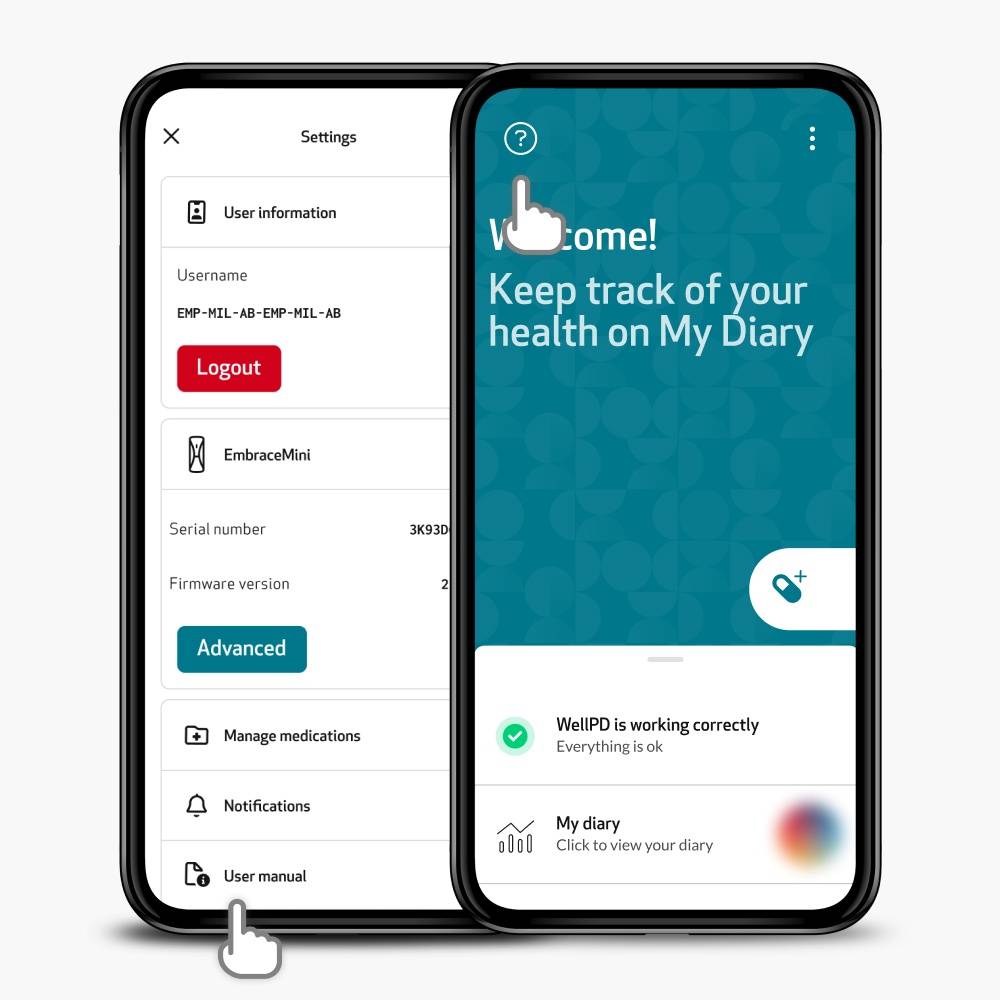
Everything you need to know is already in the app:
- Help Center: tap the ? icon on the home screen for articles and short illustrated tutorials on every feature.
- Learn more: in Medications, PD details, Sleep and Activity, tap Learn more to see how each metric works and how to read your data.
- User Manual: go to Settings > User Manual for the digital manual, always the latest version.