
Smartphone Compatibility
EpilepsyEmbracePlusEpiMonitor
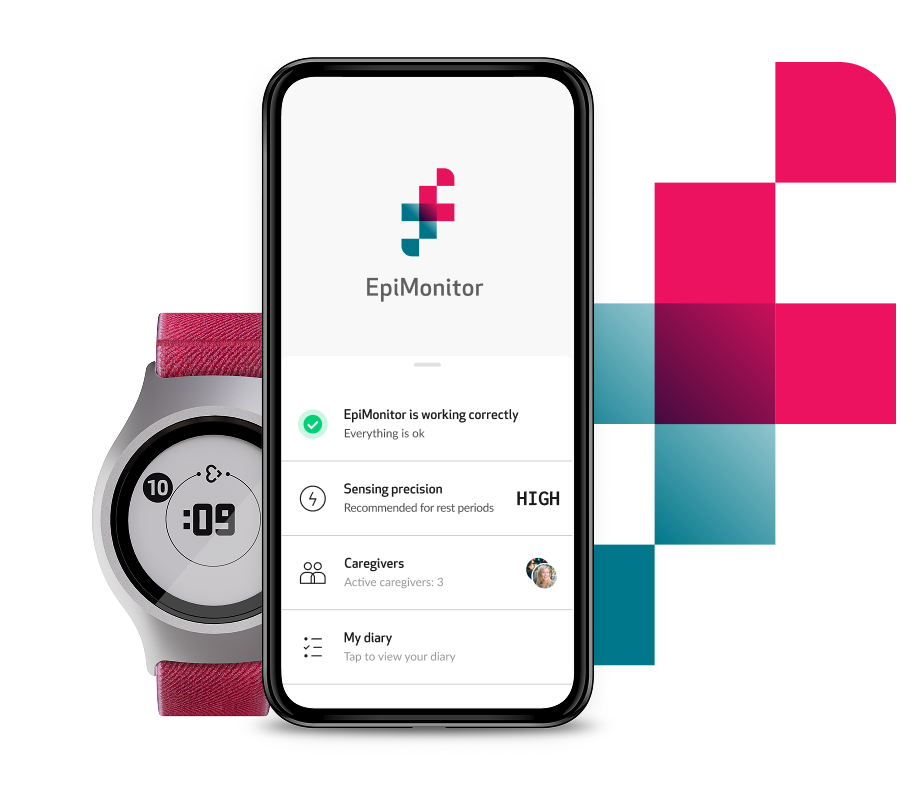
EpiMonitor
How to check if your phone is compatible with EpiMonitor
Ensuring that your smartphone is compatible with EpiMonitor is essential for a seamless experience. Follow these simple steps to verify compatibility:
Download EpiMonitor:
Head to the Apple App Store or Google Play Store and download the EpiMonitor app onto your smartphone.Open the App:
Once downloaded, open the EpiMonitor app on your smartphone.Start Compatibility Check:
Within the app, start using EpiMonitor by verifying the compatibility of your phone. Press “Start compatibility check”.Turn on Bluetooth:
If your Bluetooth is not already turned on, the app will prompt you to do so. Enable Bluetooth on your smartphone to proceed.Confirmation Screen:
If your phone is compatible, you will see a confirmation screen notifying you of the compatibility status. You can either purchase it on our store or if you have already purchased it log in using your EpiMonitor account.Incompatibility:
In the event that your phone is not compatible, don't worry. You can refer to the list of compatible phones provided below.
List of Compatible Phones
The below is a list of smartphone devices that are compatible with EpiMonitor, Empatica's seizure monitoring system that functions with EmbracePlus. Using a compatible device is important to ensure a smooth functioning of the system.
iOS
To correctly run EpiMonitor and support EmbracePlus your iOS device must have:
iOS18 or higher
Bluetooth® 5.0
The device models below have been tested and certified to work with EmbracePlus:
Certified Models |
|---|
iPhone 8 or higher |
Android
To correctly run EpiMonitor and support EmbracePlus your Android device must have:
Android versions 13 or higher as released by Google
- Bluetooth® 5.0 with 2M PHY, which ensures higher data throughput. Although some devices might have Bluetooth® 5.0 in their specs, some devices run non-compliant Bluetooth® 5.0 modules which might disrupt the data transfer flow, constantly losing data. To know which Bluetooth® protocol an Android mobile phone supports, please use the Nordic App®.
The device models below have been tested and certified to work with EmbracePlus:
Important
Please note that the below device models have been certified and tested by our team. If you have a phone model that is not listed, it may still be compatible with EmbracePlus and EpiMonitor.
You can use the free Nordic App® to check if your Android phone is compatible with EpiMonitor. Read our
support article
for detailed instructions on how to install and use the app.
Certified Models |
|---|
Google Pixel 3 |
Google Pixel 4 |
Google Pixel 4a |
Google Pixel 6a |
Google Pixel 7a |
Samsung A05 |
Samsung A13 |
Samsung A22 |
Samsung A23 |
Samsung A32 |
Samsung A40 |
Samsung A53 |
Samsung S21 |
Samsung S8 |
LG K51 |
Motorola G22 |
Motorola G Pure |
For a smooth and continuous monitoring, we recommend connecting EmbracePlus to the smartphone without any other Bluetooth pairings. With some smartphones (particularly Android models), connecting additional Bluetooth devices might cause issues in the data flow from EmbracePlus to the paired smartphone. This includes wireless earbuds, Bluetooth speakers, etc.
Compatibility may vary depending on OS, device model, and EmbracePlus settings.
ResearchEmbraceMiniEmbracePlusCare
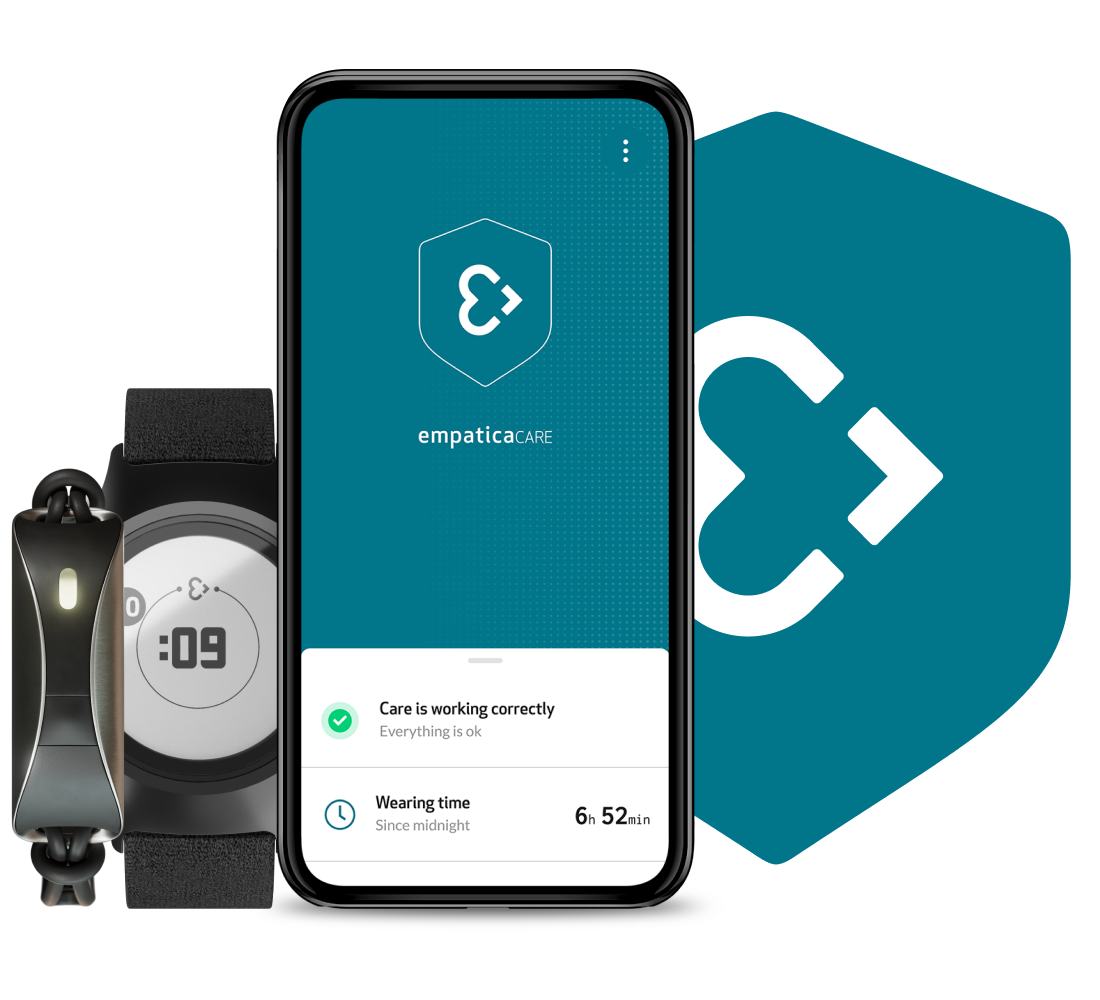
Care
The below is a list of smartphone devices that are compatible with EmbracePlus or EmbraceMini when used with Empatica Care. Empatica Care is the patient-facing app and an essential component of the Empatica Health Monitoring Platform.
Using a compatible device is important to ensure a smooth functioning of the system and seamless data collection and streaming.
Compatibility may vary depending on the EmbracePlus or the EmbraceMini settings. Confirm if the phone model listed is compatible with the sensor mode you intend on using by writing to research-support@empatica.com.
iOS
To correctly run Empatica Care and support EmbracePlus or EmbraceMini your iOS device must have:
iOS18 or higher
Bluetooth® 5.0
The device models below have been tested and certified to work with EmbracePlus or EmbraceMini:
Certified Models |
|---|
iPhone 8 or higher |
Android
To correctly run Empatica Care and support EmbracePlus or EmbraceMini your Android device must have:
Android 13, or higher as released by Google
- Bluetooth® 5.0 with 2M PHY, which ensures higher data throughput. Although some devices might have Bluetooth® 5.0 in their specs, some devices run non-compliant Bluetooth® 5.0 modules which might disrupt the data transfer flow, constantly losing data. To know which Bluetooth® protocol an Android mobile phone supports, please use the Nordic App®.
The device models below have been tested and certified to work with EmbracePlus or EmbraceMini:
Certified Models |
|---|
Google Pixel 3 |
Google Pixel 4 |
Google Pixel 4a |
Google Pixel 6a |
Google Pixel 7a |
Samsung A05 |
Samsung A13 |
Samsung A22 |
Samsung A23 |
Samsung A32 |
Samsung A40 |
Samsung A53 |
Samsung S21 |
Samsung S8 |
LG K51 |
Motorola G22 |
Motorola G Pure |
For a smooth and continuous monitoring, we recommend connecting EmbracePlus or EmbraceMini to the smartphone without any other simultaneous Bluetooth pairings. With some smartphones (particularly Android models), connecting additional Bluetooth devices might cause issues in the data flow from EmbracePlus or EmbraceMini to the paired smartphone. This includes wireless earbuds, Bluetooth speakers, etc.
Compatibility may vary depending on OS, device model, and EmbracePlus or EmbraceMininsettings.
Please contact our team with the specifics of your study to confirm whether your smartphone is compatible.
Planning to use a different phone model?
If you are planning on using a different phone model from the ones listed please talk to our team, as your device may still be compatible research-support@empatica.com.
Not sure if a device is compatible?
Start a connectivity self-test with the Nordic App® or contact us via email at research-support@empatica.com.
Parkinson'sEmbraceMiniPKG Monitor
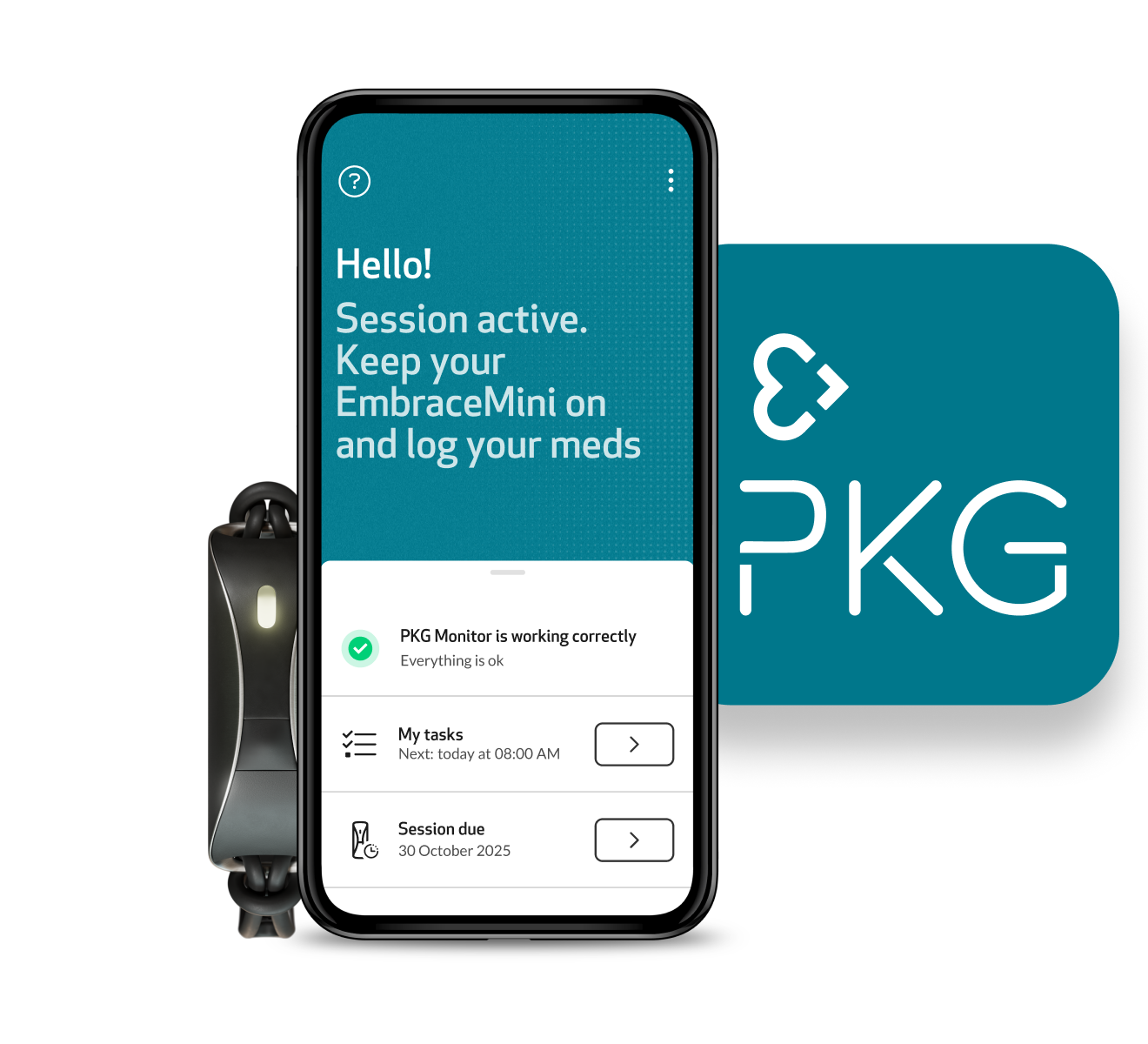
PKG Monitor
How to check if your phone is compatible with PKG Monitor
Ensuring that your smartphone is compatible with PKG Monitor is essential for a seamless experience. Follow these simple steps to verify compatibility:
Download PKG Monitor:
Head to the Apple App Store or Google Play Store and download the PKG Monitor app onto your smartphone.Open the App:
Once downloaded, open the PKG Monitor app on your smartphone.Start Compatibility Check:
Within the app, start using PKG Monitor by verifying the compatibility of your phone. Press “Start compatibility check”.Turn on Bluetooth:
If your Bluetooth is not already turned on, the app will prompt you to do so. Enable Bluetooth on your smartphone to proceed.Confirmation Screen:
If your phone is compatible, you will see a confirmation screen notifying you of the compatibility status.Incompatibility:
In the event that your phone is not compatible, don't worry. You can refer to the list of compatible phones provided below.
List of Compatible Phones
The below is a list of smartphone devices that are compatible with EmbraceMini when used with the PKG Monitor app. PKG Monitor is the patient-facing app when using the Empatica Health Monitoring Platform for Parkinson’s monitoring.
Using a compatible device is important to ensure a smooth functioning of the system and seamless data collection and streaming.
iOS
To correctly run the PKG Monitor app and support EmbraceMini, your iOS device must have:
iOS18 or higher
Bluetooth® 5.0
The device models below have been tested and certified to work with EmbraceMini:
Certified Models |
|---|
iPhone 8 or higher |
Android
To correctly run PKG Monitor and support EmbraceMini, your Android device must have:
Android versions 13 or higher as released by Google
- Bluetooth® 5.0 with 2M PHY, which ensures higher data throughput. Although some devices might have Bluetooth® 5.0 in their specs, some devices run non-compliant Bluetooth® 5.0 modules which might disrupt the data transfer flow, constantly losing data. To know which Bluetooth® protocol an Android mobile phone supports, please use the Nordic App®.
The device models below have been tested and certified to work with EmbraceMini:
Certified Models |
|---|
Google Pixel 3 |
Google Pixel 4 |
Google Pixel 4a |
Google Pixel 6a |
Google Pixel 7a |
Samsung A05 |
Samsung A13 |
Samsung A22 |
Samsung A23 |
Samsung A32 |
Samsung A40 |
Samsung A53 |
Samsung S21 |
Samsung S8 |
LG K51 |
Motorola G22 |
Motorola G Pure |
For a smooth and continuous monitoring, we recommend connecting EmbraceMini to the smartphone without any other simultaneous Bluetooth pairings. With some smartphones (particularly Android models), connecting additional Bluetooth devices might cause issues in the data flow from EmbraceMini to the paired smartphone. This includes wireless earbuds, Bluetooth speakers, etc.
Compatibility may vary depending on OS, device model, and EmbraceMini settings.
Please contact our team with the specifics of your study to confirm whether your smartphone is compatible.
Planning to use a different phone model?
If you are planning on using a different phone model from the ones listed please talk to our team, as your device may still be compatible pkg-support@empatica.com.
Not sure if a device is compatible?
Start a connectivity self-test with the Nordic App® or contact us via email at pkg-support@empatica.com.