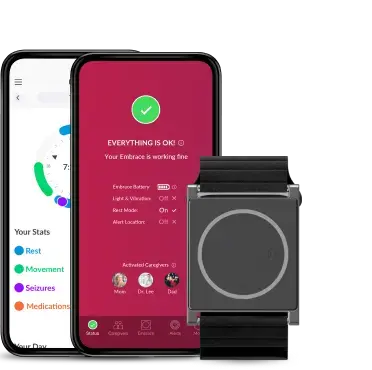



Embrace’s algorithm has achieved extremely high specificity in clinical studies (92% accuracy rate), where thousands of hours of data was examined. However, it’s still possible that it may perceive some daily activities (such as chopping vegetables or scrubbing dishes) as convulsive seizures, and trigger a false alarm. Here, we’d like to show you how to reduce false alarms and what to do when they occur so your caregivers don’t worry.
First though, let’s try to understand them a bit better, and see why they are actually important and essential to our algorithm.
New to Embrace? See how it works here.
Why do false alarms occur?
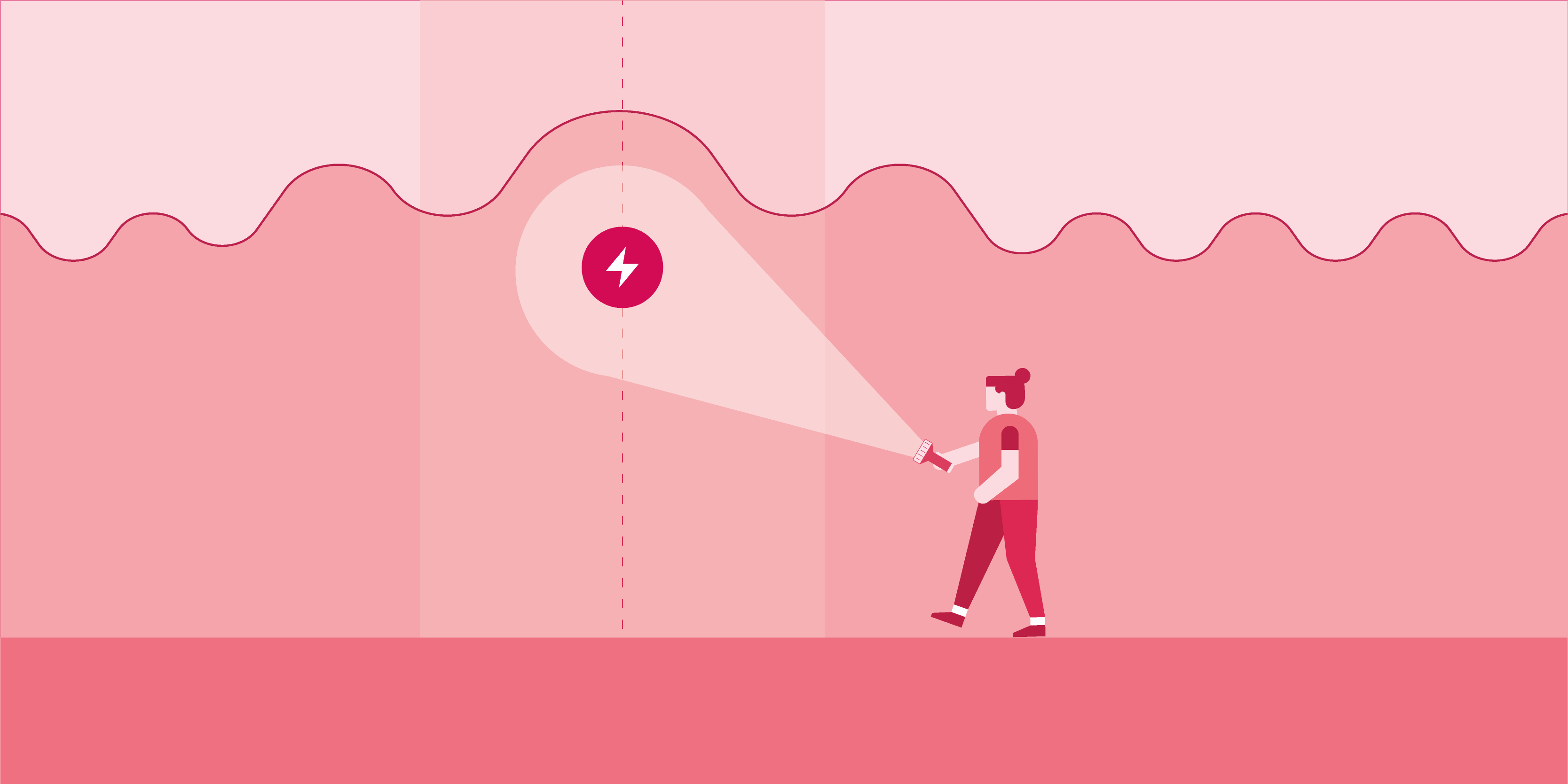
Try to think of a false alarm as a positive reassurance that your device is checking in on you. False alarms occur when Embrace thinks it has identified a generalized tonic-clonic seizure, but in reality, it was just an event that had similar physiological changes picked up by Embrace’s sensors. We work to constantly refine and improve our algorithm and sensors to provide the best and most comprehensive responses when needed. You can help us with that by reviewing your seizure diary.
When do they occur?
Activities involving rhythmic and abnormal contractions of the muscles generally tend to trigger false alarms. Think about what happens to your arm when you’re chopping vegetables. Your wrist is moving when you slice the vegetables and raise the knife. This motion is then repeated many times at a fast pace. To Embrace, this is almost identical to how your muscles violently stiffen and release during a seizure. While Embrace also measures EDA (electrodermal activity) and temperature, motion is the most apparent indicator of a seizure. Here are some other activities that tend to trigger false alarms.
- Riding a bike on a bumpy road (due to the shock absorption)
- Brushing teeth
- Scrubbing dishes
- Playing the piano or drums

How to avoid false alarms?
Many false alarms can be avoided just by properly wearing Embrace. It should be fastened on the wrist to the point where the electrodes on the bottom of the device maintain constant contact with the skin. There shouldn’t be any space between the two, and no air should get through. If the band gets loose, make sure to promptly adjust it.
You should wear Embrace on the wrist that generates the most movement during seizures. If both wrists generate the same amount of movement, we encourage you to wear it on the non-dominant wrist to reduce false alarms. For example, if you’re right-handed, we recommend wearing it on the left hand, and vice versa. Your dominant arm is generally the most active, so wearing Embrace on the other side will reduce the likelihood that a false alarm is triggered.
What should be done after a false alarm has been triggered?
Let’s say that you’re brushing your teeth, and you notice that Embrace starts to vibrate and a red spinning light illuminates on the watch face. There it is, a classic case of the false alarm. The first thing you want to do is cancel it, which is super simple. In fact, there are 2 different ways to cancel based on which is easiest for you. You’ll have 15 seconds to cancel each false alarm.
Canceling false alarms on Embrace
You’ll need to tap on the Embrace watch face twice. At this point, you should see a blue circle illuminate. After this, tap on the watch face again, but this time hold your finger there until you see a green circle. This indicates that the alert has been canceled, and your caregivers won’t be notified.

Canceling false alarms in the Alert App
You’ll receive a notification on your phone that a seizure was detected. Tap on the message to open up the Alert App. Once you’re in the app, tap on Cancel Alert.
It’s important to cancel false alarms, so your caregivers aren’t disrupted and don’t unnecessarily worry about you. Even if you weren’t able to cancel within the 15 seconds, you can still notify your caregivers that you’re fine. We’ve made this very simple to do directly through the app. Once the 15-second window to cancel alerts has passed, another screen will appear on the Alert App for 5 minutes which allows you to send all of your caregivers an SMS simultaneously, letting them know that you’re okay and don’t require assistance.
Now that you know why false alarms occur and why they are necessary to any detection algorithm, you’re ready to cancel them (and maybe even prevent some) with confidence. Remember, a few simple taps are all it takes.
If you’re interested in Embrace and haven’t yet spoken to your doctor about it, check out our dedicated page for doctors.
Words worth reading